Grumpo says no.You get things done.
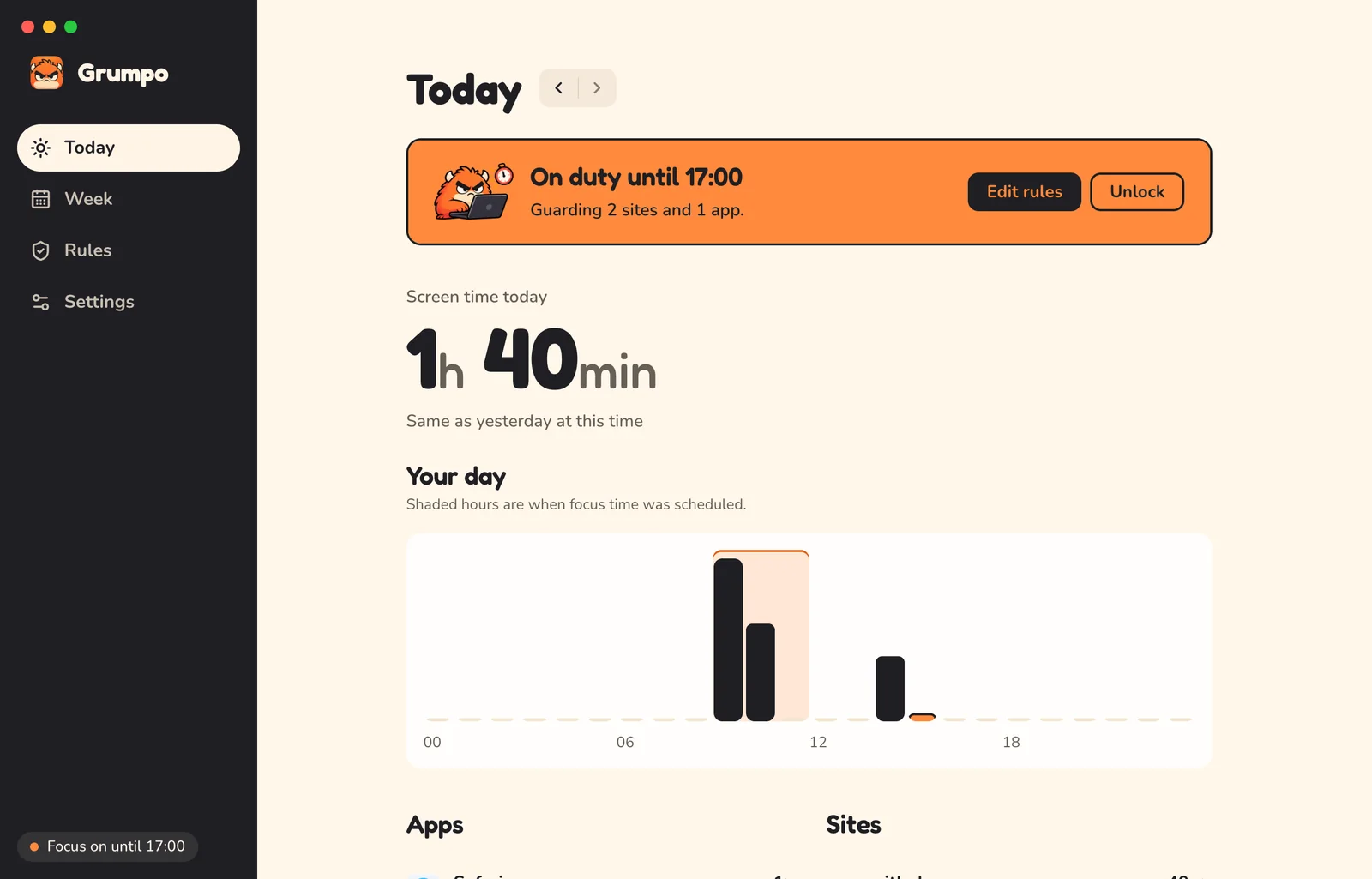
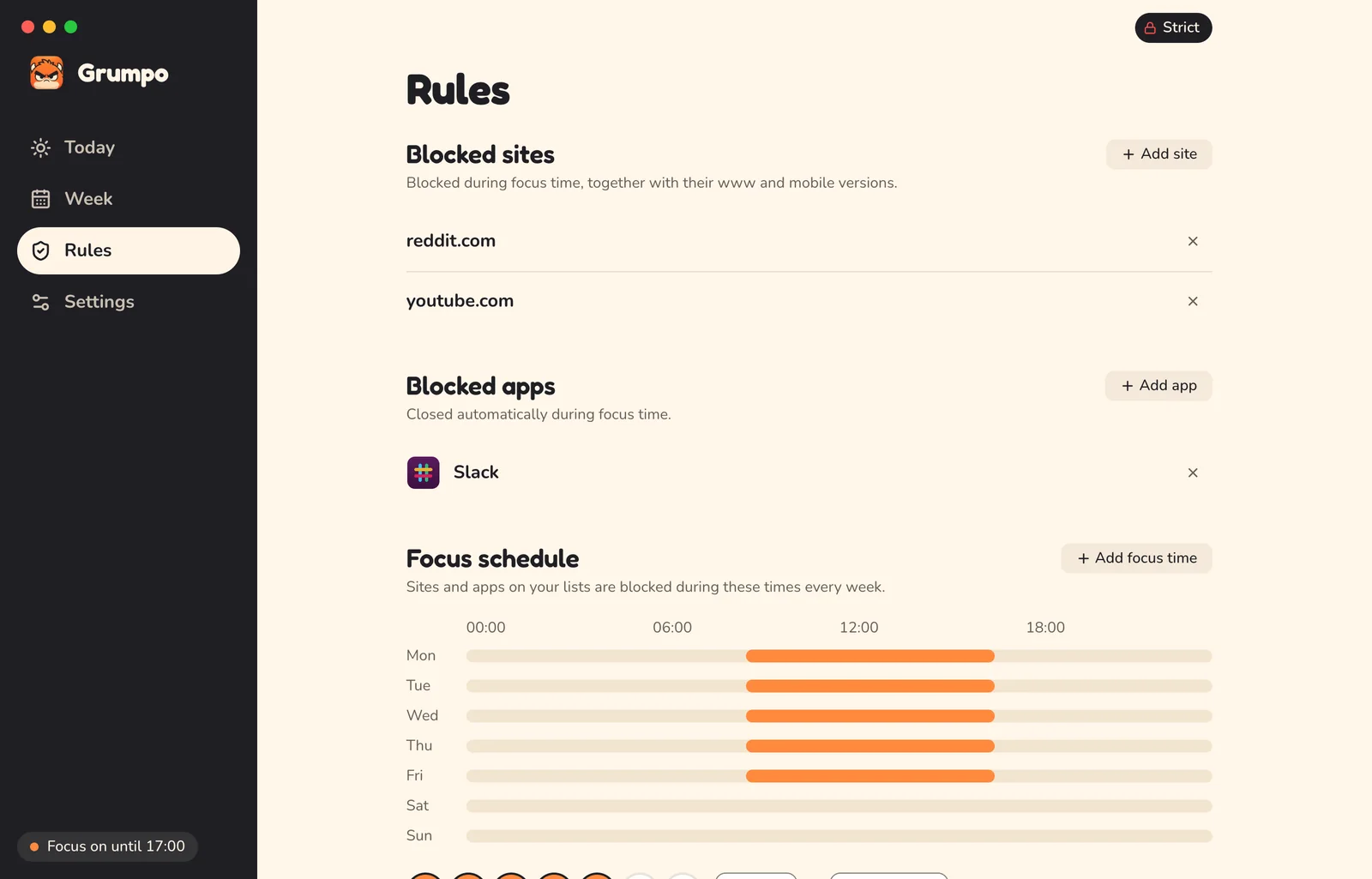
A strict website and app blocker for Mac. Block distractions on a schedule or with daily limits.


Go on. Try one.
How it works

Unlocking
To loosen a rule early, wait for the timer, then type a sentence.
Each unlock today waits twice as long as the last.
- 1st unlock today5 min
- 2nd10 min
- 3rd20 min
- 4th and up40 min
reddit.com is blocked until 17:00.
Cooling down
5:00
Unlock for how long?

Details
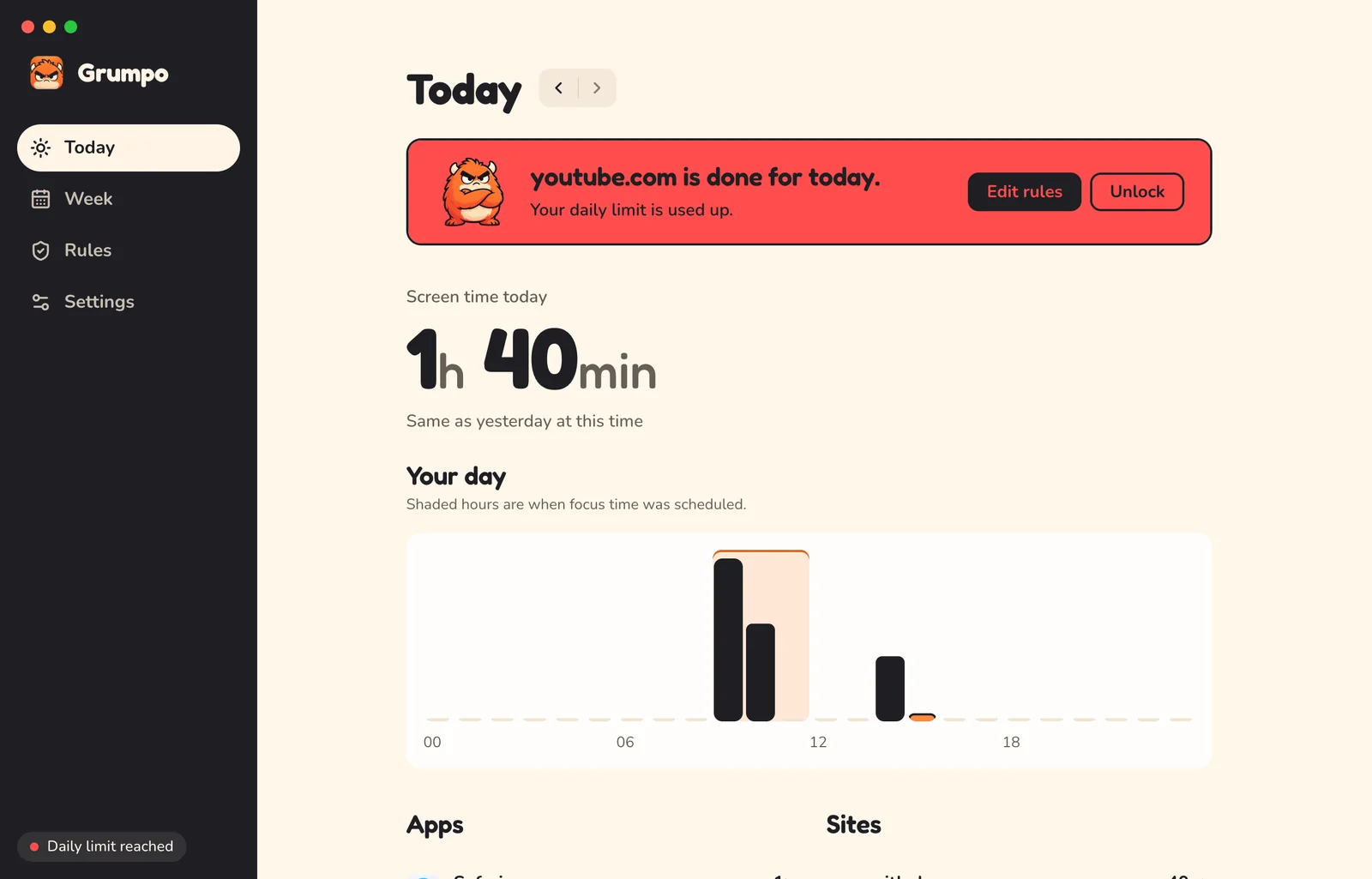
- Daily limits
- A warning at 5 minutes left. Then blocked until midnight.
- Every browser
- Sites are blocked system-wide. In Chrome, Brave, Edge and Safari, the tab closes too.
- Quitting won't help
- Quit the app and sites stay blocked. The block lives in a system service.
- Can't lock you out
- Finder, System Settings and the Dock can never be blocked.
- Incognito counts
- Private windows count toward limits. They're never saved.
- Fair counting
- Idle time doesn't count. Neither does a locked screen.
Privacy
Grumpo saves the app, the domain and the time. Nothing else, and only on your Mac.
No account and no tracking.
The only network requests are a daily check for updates on GitHub and downloading an update when there is one. It sends nothing about you, and you can turn it off in Settings.
Your browser sees
https://www.youtube.com/watch?v=dQw4w9WgXcQ&t=42
Grumpo saves
- App
- Safari
- Site
- youtube.com
- From
- 09:41
- To
- 10:22
Never saved
- Full URLs
- Page titles
- Search queries
- Window titles
- Keystrokes
- Screenshots

- 1
Drag to Applications
Open Grumpo.dmg and drag Grumpo in.
- 2
Open it
If macOS warns you, choose Open Anyway in System Settings > Privacy & Security. You only do this once. Grumpo updates itself after that.
- 3
Install the service
Enter your password once. This keeps sites blocked even with the app closed.
- 4
Allow browser access
So Grumpo can see and close blocked tabs.
Install from Terminal
Installs the latest release and skips the macOS warning.
curl -fsSL https://brian-rey-development.github.io/grumpo/install.sh | bash Build it yourself
Needs Rust, Node 22 and pnpm.
git clone https://github.com/brian-rey-development/grumpo.git
cd grumpo && scripts/build-release.sh
FAQ

Is it free?
Yes. Open source, no account, no subscription.
LicenseWhy does it need my password?
Blocking sites in every browser means editing a system file. That takes admin rights, once.
Can I just quit it?
You can. Sites stay blocked anyway. Grumpo stops impulses, not admins.
Every known way around itWhy does macOS warn me when I open it?
Grumpo isn't notarized by Apple yet. Choose Open Anyway in System Settings > Privacy & Security. You only do this once.
Does it connect to the internet?
Only to check GitHub for updates once a day, and to download one when there is one. It sends nothing about you. You can turn it off in Settings.
Does it work with Firefox?
Sites are blocked. Tabs can't be closed.
What about other accounts on my Mac?
Sites are blocked for everyone. Only you can change the rules.
Windows or Linux?
Not yet. Mac first.
How do I uninstall it?
Run the uninstall script, then delete the app.
Uninstall steps